MAC GAMING
Free FPS Games for Mac: Play Online in Your Browser, No Download
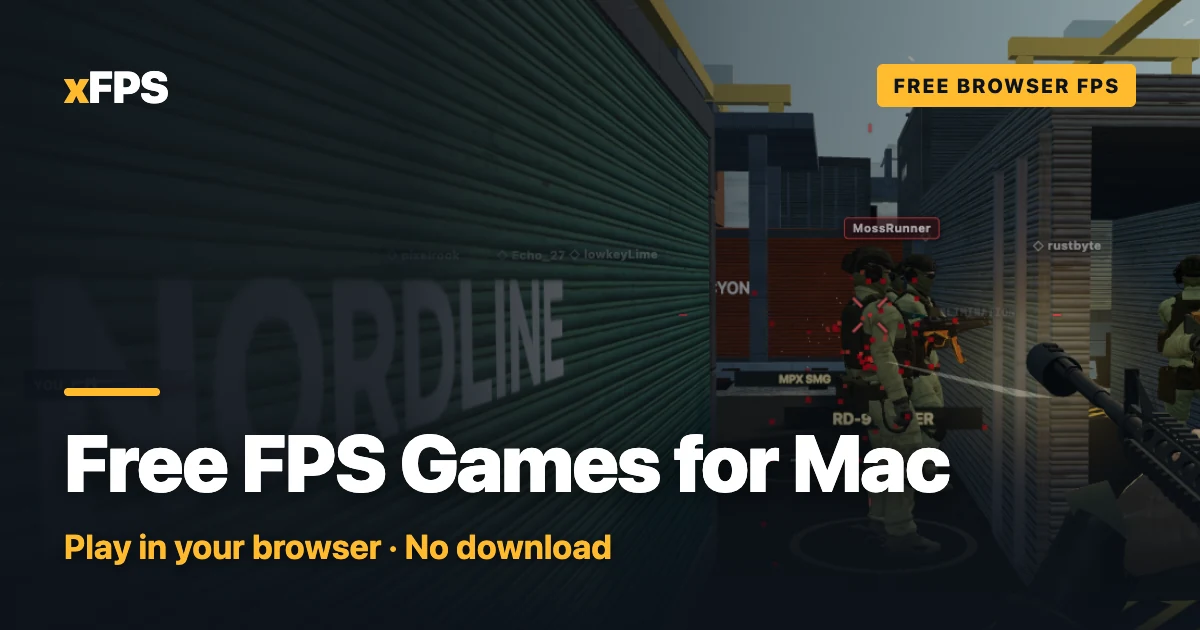
Looking for free FPS games for Mac? The quickest route skips the App Store and Steam: a browser shooter runs in a tab on any Mac, MacBook Air and Apple silicon included, with nothing to install. xFPS is one, free with guest play, and below is how to make any browser FPS play well on macOS.
Play on your Mac right nowFree in your browser. No download, no account needed.
Play Free-for-allCan you play FPS games on a Mac?
Yes, but if you've come from a Windows PC, the shelf looks emptier. A few reasons stack up:
- Many competitive shooters ship for Windows only. Often the anti-cheat is part of the reason: it is built for Windows and has no macOS version. Valve, for example, said in 2023 that Counter-Strike 2 would not come to macOS because too few players were on it.
- Boot Camp is gone on newer Macs. It only ever worked on Intel Macs, so an Apple silicon Mac can't simply boot into Windows to play a Windows-only game.
- "Available on Steam" doesn't mean "available on Mac". Steam runs on macOS, but each game decides its own platforms. Look for the macOS tab in a game's system requirements before you download anything.
- Cloud gaming is an option, with strings attached. Streaming services can run bigger shooters on a Mac, but they need a fast, steady connection, and the games or the service usually have to be paid for.
So the native route takes some homework. The browser route takes none, which is why it's where most Mac players looking for a free shooter end up.
Free online FPS games for Mac, no download
A browser FPS draws its 3D world through WebGL, the graphics layer built into modern browsers. To your Mac it's just a web page, which has some real advantages:
- Nothing to install or approve. No installer, no "downloaded from the internet" warning, no gigabytes of disk space.
- Same game on every Mac. Intel or Apple silicon, old macOS or new, the browser does the platform work.
- Always up to date. Reload the tab and you have the latest version.
- Same lobbies as everyone else. Mac players are matched with Windows, Linux, Chromebook and phone players in the same game.
xFPS: a modern military-style shooter in a Mac browser tab
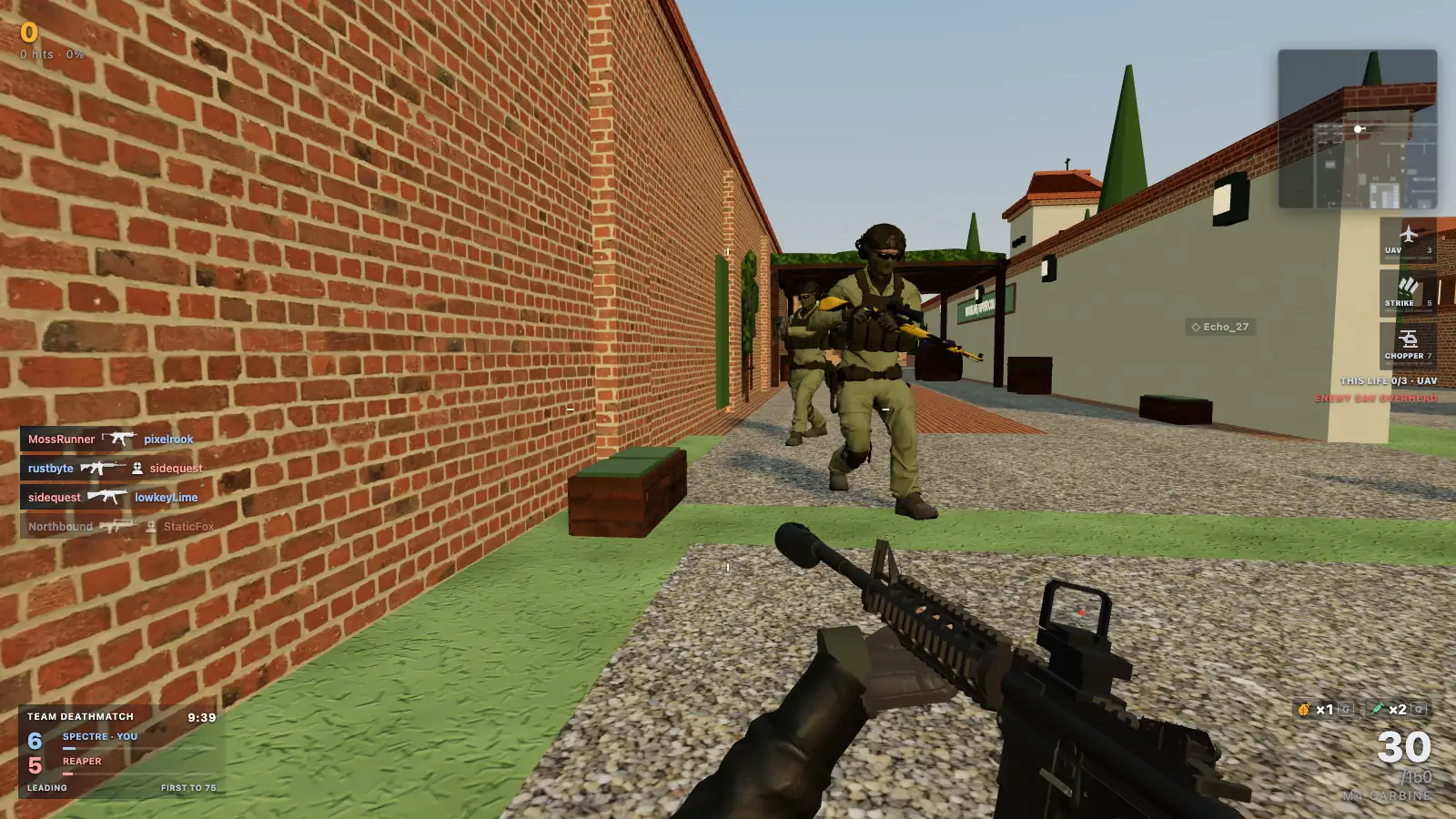
xFPS is our game, so take this section as the developer's pitch, checked against the code. It's built to feel like a modern military shooter: sprint, a half-second slide you can cancel with a jump, a tactical sprint on a double-tap of Shift, aim down sights, and fast, measured time-to-kill. You can play as a guest straight away; signing in keeps your progress across browsers and devices.
What you can play on a Mac is exactly what everyone else gets:
- Free-for-all and Team Deathmatch in Quick Play: 12 players, 7 minutes, with bots holding empty seats until people join.
- Search & Destroy and Cyber Attack: 6v6 round modes. Our Search and Destroy guide covers the rules.
- 1v1 Duel and 2v2 Gunfight for small, focused fights (more in 1v1 FPS online).
- Prop Hunt for at least two human players, and round-based Zombies for one to four survivors, with AI filling open places. See zombies in the browser.
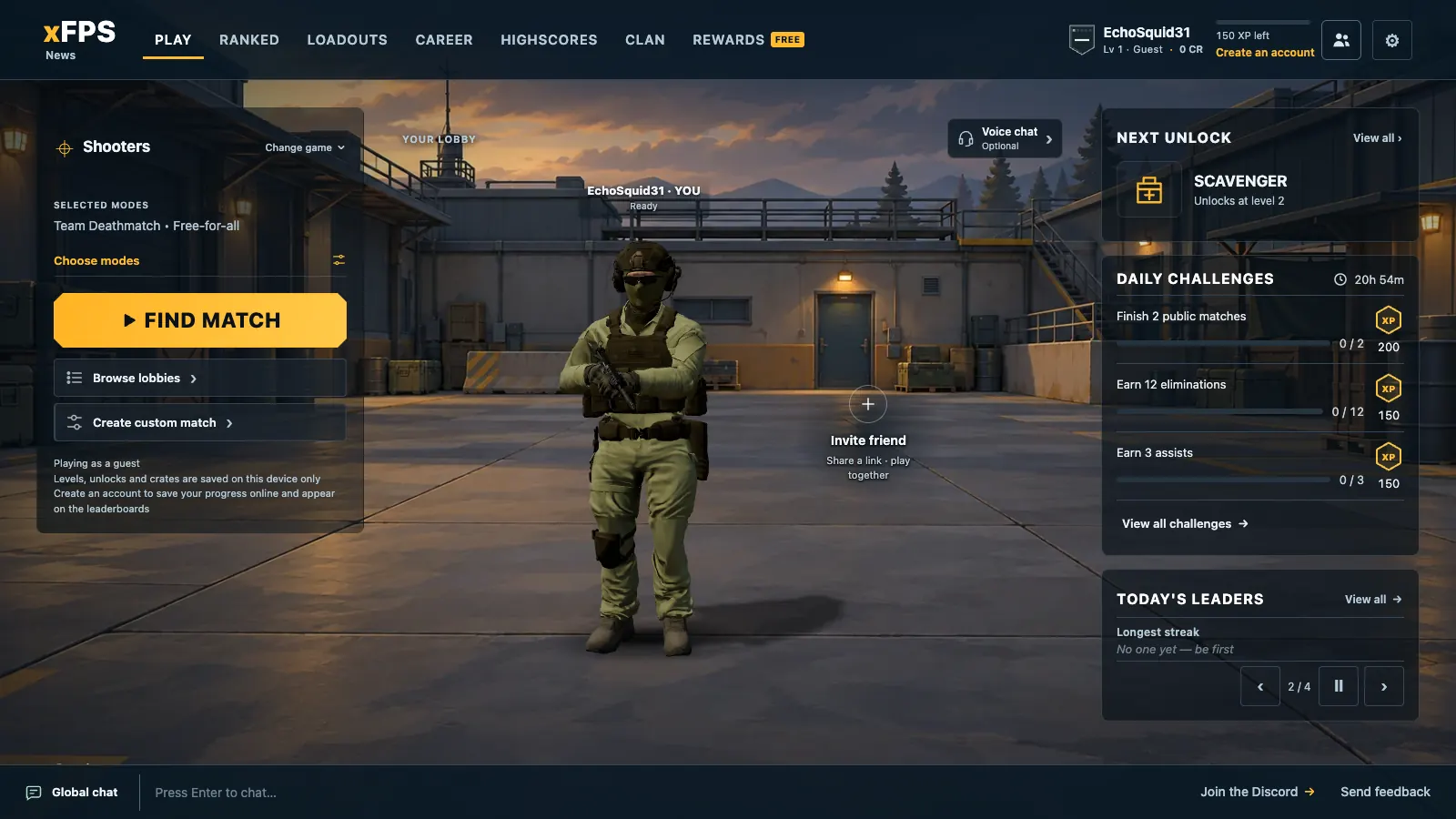
- Parties of up to six through an invite link, and custom matches where the host picks mode, map and rules. Ranked needs a signed-in account at level 20.
Try it on your MacA 12-player Free-for-all, bots fill empty seats, so it starts right away.
Play xFPS freeWhich browser to use for FPS games on a Mac
Use an up-to-date Chrome. Chrome is the browser we build and verify xFPS in, so it's our recommendation on macOS. xFPS needs WebGL2. Current Safari, Firefox and Edge support WebGL2 as well and may run it fine, but they aren't on our verified list yet, so if something looks or feels off in one of them, try Chrome before anything else.
Two checks that fix most "it won't start" problems:
- Hardware acceleration must be on. In Chrome it's under Settings, System: "Use graphics acceleration when available". Without it, the browser may fall back to software rendering, which is slow. If xFPS can't get WebGL2 at all, its start screen tells you how to turn acceleration on.
- Update the browser. Old versions miss graphics fixes. Restart it after an update so the new version is the one running.
FPS games on a MacBook Air or Apple silicon: best settings
We won't quote frame rates for an M1 or M4 MacBook Air: they depend on your screen, macOS version, browser and what else is open. What we can tell you is what each setting does, so you can tune it in a minute.
Graphics quality: start on Auto
xFPS has five choices in Settings, Video: Auto (the default), Quality, Balanced, Performance and Very low. On an Apple silicon Mac, Auto starts on Balanced; older Intel Macs with Intel HD or UHD graphics start on Performance. During a match it lowers the render resolution when frames run slow and raises it again when they recover. If you lag heavily for about ten seconds, it also steps down one tier for the rest of your visit. A tier you pick by hand is never changed.
The Retina screen is the thing to know about on a MacBook. Its high pixel density is gorgeous and expensive:
- Quality renders up to the full Retina density (2 pixels per point), with shadows and anti-aliasing.
- Balanced caps it at 1.5 pixels per point and keeps shadows.
- Performance draws 1 pixel per point and drops shadows and anti-aliasing. On a Retina screen that's far fewer pixels, so it's the biggest single saving.
- Very low goes lower still and is meant for very weak machines; most Macs shouldn't need it.
Every tier keeps the same maps, hitboxes and visibility, so a lower setting never hides an enemy from you. Turn on the FPS counter in Settings, Video to see what a change actually does.
MacBook Air M1, M4 and older Intel Macs
MacBook Air models have no fan. In a long session a fanless laptop may slow itself slightly to stay cool, so if frames are fine at first and sag later, drop one tier rather than fighting it. Older Intel MacBooks with Intel HD or UHD graphics are the ones most likely to need Performance, which is why Auto starts them there.
Battery and Low Power Mode
Low Power Mode on macOS trades speed for battery life. If the game feels sluggish on battery, plug in or switch Low Power Mode off in System Settings, Battery, and close video tabs and other heavy pages while you play. Remember that graphics settings help frame rate, not ping: lag from your connection is a network problem, and the ping counter (on by default in online matches) shows it.
Trackpad or mouse? Controls on macOS
A shooter wants a mouse. Any USB or Bluetooth mouse works, and you'll aim better within minutes. But a MacBook trackpad is playable, especially in slower modes like Zombies or Prop Hunt, if you set it up for it:
- Aim down sights with a toggle. Right-click on a trackpad is a two-finger click, which is awkward to hold. Set Mouse / keyboard ADS to "Toggle aim" in Settings, Gameplay: click once to aim, once to stop.
- Rebind what's awkward. Game actions can be moved to other keys in Settings, Controls. Crouch and slide sit on C as well as Left Control by default.
- Tune sensitivity. Mouse sensitivity runs from 0.2 to 3, with a separate aiming sensitivity from 25 to 150 percent for when you're aimed in.
- Raw mouse input (off by default) reads your mouse's movement without macOS pointer acceleration. Turn it on with a real mouse if you want the same flick to always travel the same distance, then re-tune your sensitivity. If the browser can't do raw input, the game quietly uses normal input instead.
Mouse capture, Escape and fullscreen
Your browser only lets a game capture the mouse after you click it, so click into the game when it asks. Esc releases the mouse and opens the match menu; click back in to resume. "Fullscreen on play" is on by default, and the match menu has a fullscreen button. While you're playing, a trackpad pinch or Cmd plus and minus won't zoom the page by accident.
One Mac habit to watch: Cmd+W closes the tab, match and all. Keep your thumb off Cmd in a fight.
Other free FPS games for Mac
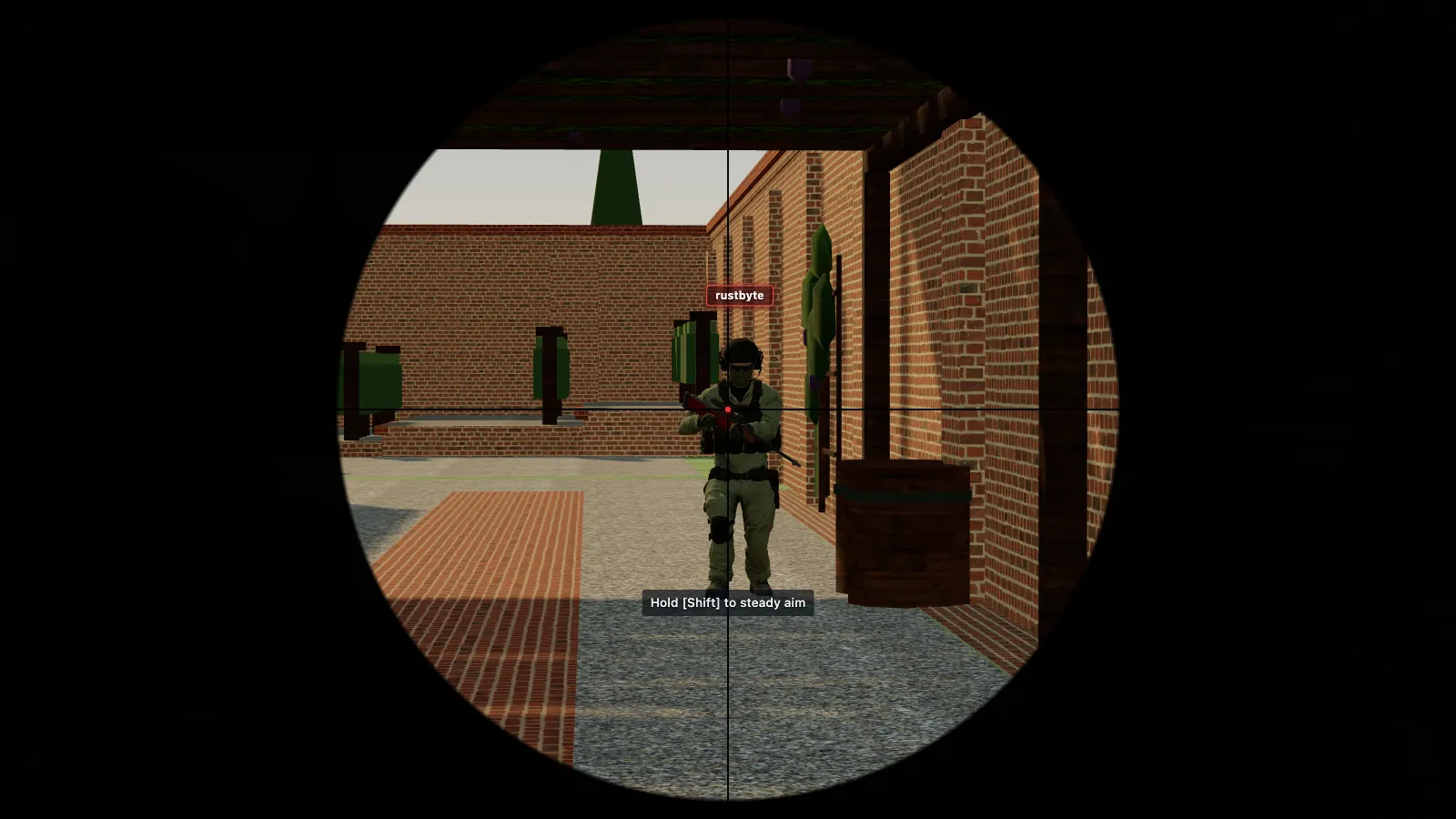
Here's the good news about the browser route: every browser shooter runs on a Mac the same way xFPS does. Krunker, Shell Shockers, War Brokers and others are all a tab away, and the browser, graphics and trackpad tips above apply to them too.
We keep the full, checked lists in two places rather than repeating them here:
- The best browser FPS games in 2026: ten free shooters, sorted by what each does best.
- Games like Krunker: fast, movement-heavy picks compared with Krunker.
If you'd rather go native, browse Steam's free-to-play shooters with the macOS filter on, and read each game's system requirements before you download it. New to xFPS? The how to play guide covers controls, parties and every mode.
Free FPS games for Mac: FAQ
Can you play FPS games on a Mac?
Yes, but the native choice is smaller than on Windows, because many competitive shooters ship for Windows only. The easiest free route is a browser FPS: it runs in a tab on any Mac, Intel or Apple silicon, with nothing to install.
Are there free FPS games for Mac with no download?
Yes. Browser shooters such as xFPS load in a tab and are free to start. You need a browser with WebGL2 and hardware acceleration turned on; we test xFPS in Chrome and recommend it on a Mac.
Can a MacBook Air run FPS games?
A MacBook Air can run a browser FPS. Leave xFPS graphics on Auto: it starts Apple silicon Macs on Balanced, lowers the render resolution when frames run slow and steps down a tier if the lag lasts. If it still struggles, pick Performance or Very low yourself.
Do FPS games work on Apple silicon Macs like the M1 or M4?
Browser shooters do, because they run in the browser rather than as a native app, so the same game works on Intel and Apple silicon. Native games vary: check that a game lists macOS in its system requirements before you download it.
Does xFPS work in Safari?
Chrome is the browser we verify xFPS in, so it is the one we recommend on a Mac. Safari also supports WebGL2 and may well run it, but we have not verified it ourselves; if anything misbehaves in Safari, switch to Chrome.
Your Mac is readyOpen a tab, click Play, and you're in a match. Free, no download.
Play xFPS freeGame names are trademarks of their owners; xFPS is not affiliated with them.